SpicyChat Safety Check
Quick answer: SpicyChat is a legitimate AI chat platform for adults, with active support and published safety policies. Always use the official site and be cautious with your personal information, as with any online service.
Avoiding clones and phishing
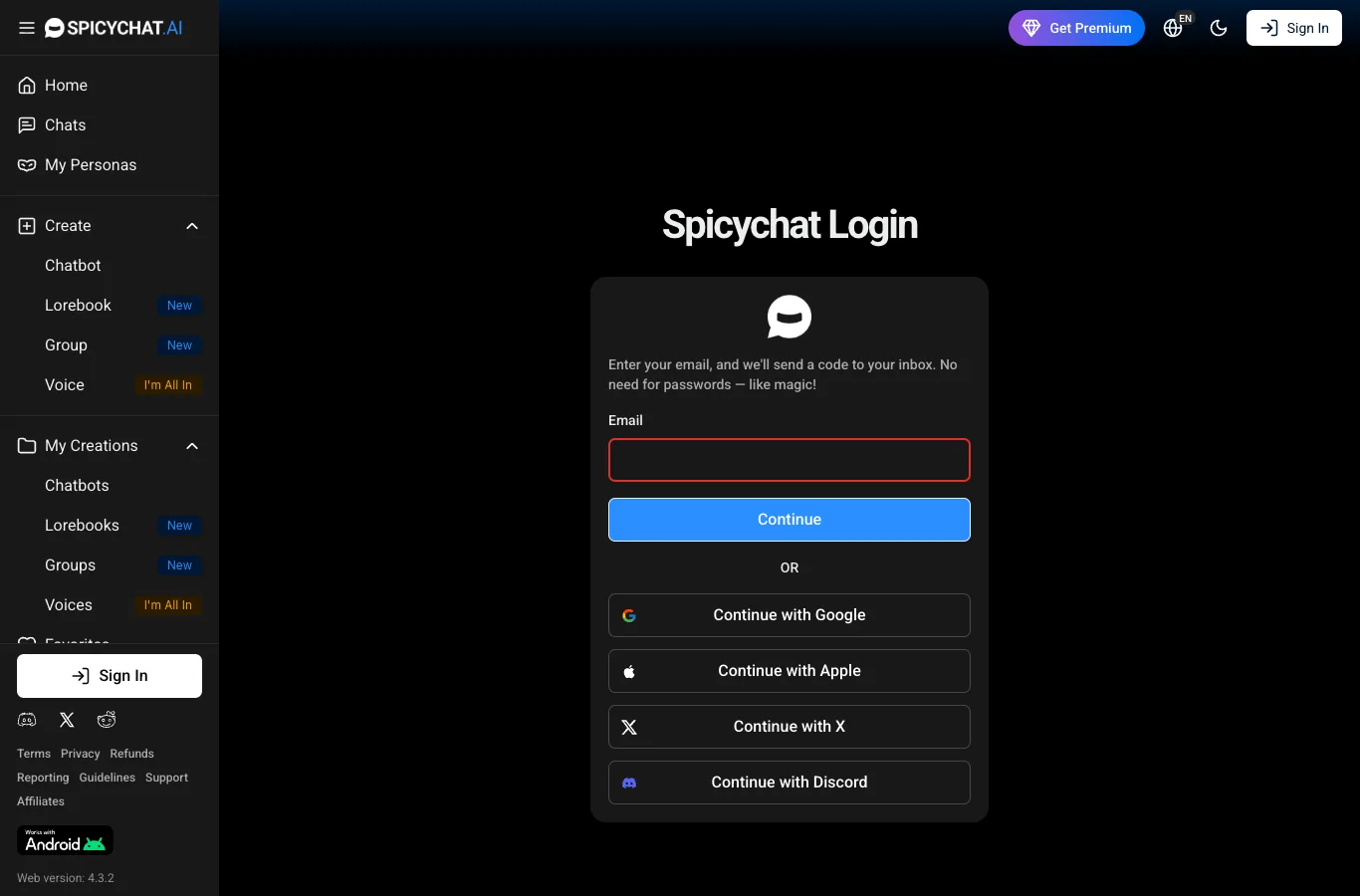
You’ll find a number of sites claiming to be SpicyChat, but the official one is spicychat.ai. Double-check the website address before logging in or making any payments. Never share your password or payment details with anyone claiming to be support in DMs or unofficial channels. Tip: Our site is an independent review and not affiliated with SpicyChat—always use official channels for account actions.
Is SpicyChat safe? Our verdict
Based on available information, SpicyChat takes visible steps to support user safety. The service sorts characters into SFW and NSFW, which helps you avoid surprises. There’s a documented vulnerability reporting process, and support responds quickly, especially via Discord. However, as with any AI chat platform, your experience depends partly on your own habits and the content you choose to interact with. For first-time payers, the safety measures look standard, but always be cautious and avoid sharing sensitive personal details.
Is SpicyChat a real company?
SpicyChat is run by NextDay AI Incorporated, based in Montreal, Canada. There are associated entities in the USA (Delaware) and EU (Cyprus). Terms and policies are published on the official site, which is a good sign of legitimacy. The team is public about its structure, with leadership by the founder known as Booster.
Is paying on SpicyChat safe?
Payments on SpicyChat go through standard channels like credit card, pay-by-bank, Boosty, and crypto via CoinPayments. Crypto payments are final, so double-check amounts before sending. Refunds are possible if you request them through official support. Your financial information is handled by payment providers, but as always, only pay through the official site and never send payment details in chats or DMs.
Leaving SpicyChat cleanly
If you want to delete your presence from SpicyChat, here’s a general outline:
1. Log in to your account on the official site.
2. Remove any personal data from your profile.
3. Delete or unpublish any chatbots you’ve created.
4. Cancel any active subscriptions or recurring payments.
5. Contact support via the official form or Discord to request account deletion.
6. Wait for confirmation from support.
Some backup copies or transaction records might remain for legal or security reasons.
Reviews and complaints
We track SpicyChat feedback across several review platforms. As of now, there isn’t a single, universally-accepted rating, but you can see our own round-up of user experiences and complaints on our Reviews page. Reports mention both positive and negative experiences, so it’s wise to read a few before deciding.
Good habits
Enjoying SpicyChat safely is about balance. Here are some tips:
- Don’t share real names, addresses or contact details in chat.
- Set a budget before buying credits or subscriptions.
- Remember you’re chatting with AI, not real people.
- Take regular breaks if you’re using the app a lot.
- Reach out to support if you run into issues or concerns.
A little caution helps you keep things fun and stress-free.
FAQ
Is SpicyChat legit?
Yes, SpicyChat is operated by a real company (NextDay AI Incorporated) with published terms and a support team. It is a legitimate AI chat platform for adults.
Is my payment information safe?
Payments are handled by standard providers. Just ensure you only enter payment details on the official spicychat.ai website and not in chats or messages.
Can other people see my chats?
Your private chats are not public, but remember that nothing online is ever 100% private. Avoid sharing sensitive information in any chat, even with AI.
How do I delete my data?
You can request account and data deletion by contacting SpicyChat’s official support via their form or Discord. Remove personal info from your profile first for extra peace of mind.